Start an automation yourself
Start an automation with a button in the dashboard, from one of your apps, through the assistant, or from another system with an API key.
Some automations start when someone asks for them: Send this quote, Work out the delivery price, Close the month. Their Starts column on Automations says When started. Each has a name it is started by, says what it needs to be given, and can give an answer back.
Such an automation runs as the person or system that starts it, with their access: it can do only what they may do themselves.
Where it can be started
Section titled “Where it can be started”When the assistant makes it, you say where it may be started from, and by whom:
- the dashboard, as a button;
- your apps;
- the assistant;
- other systems, with an API key.
Only people who hold one of the data roles you choose may start it. Nobody can until you choose at least one.
With a button in the dashboard
Section titled “With a button in the dashboard”An automation that belongs to an entity shows as a button under Automations on that entity’s list of records and on each of its records. Choose it, fill in what it asks for (a button on a record fills in that record for you), and choose Run. The dialog first says that it runs as you, on the stage you are looking at.
If it gives an answer, the dialog shows it: … answered. An automation that takes longer goes on by itself; its run shows under Runs.
From the automation’s page
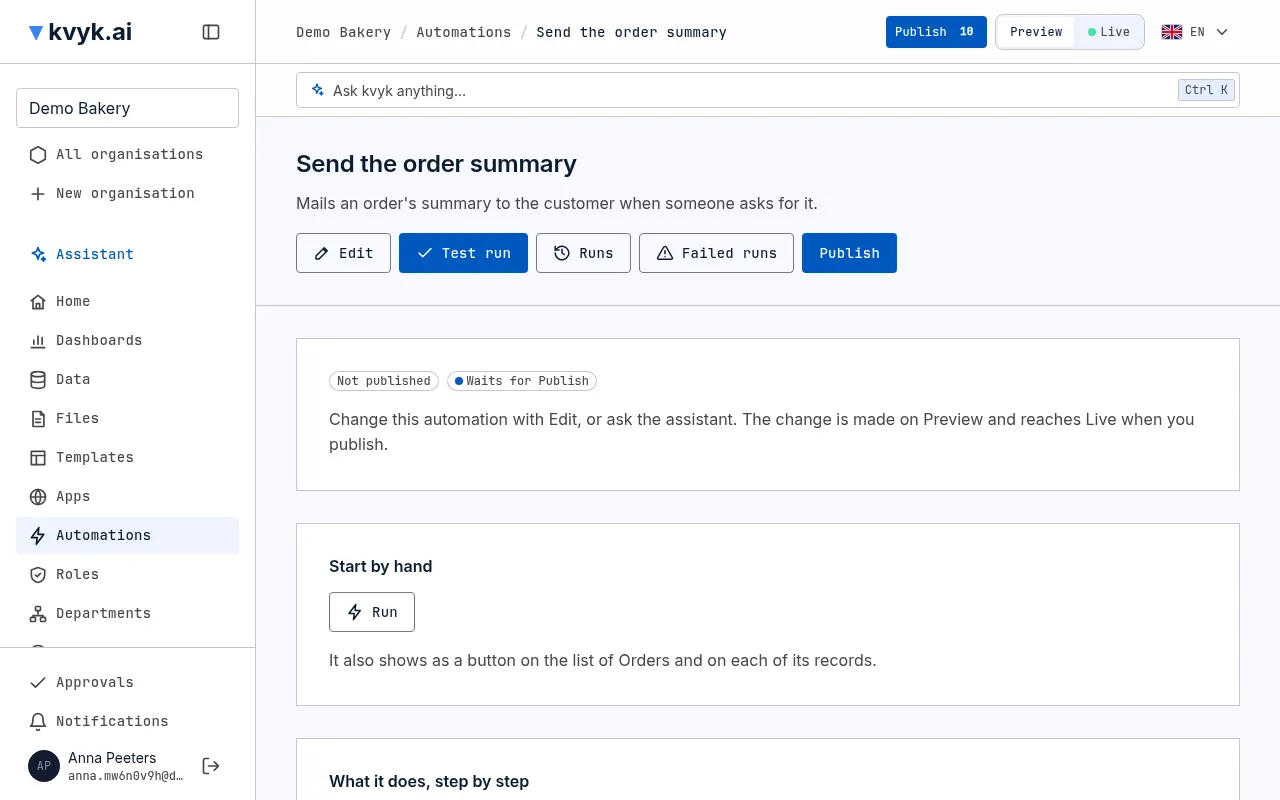
Section titled “From the automation’s page”The automation’s own page under Automations has a Start by hand section, on Preview and on Live. If you may start it, choose Run: the same dialog asks for what it needs and shows its answer. If you may not, it says why in the button’s place: the dashboard is not among the places it may be started from, no data role is chosen yet, it is turned off on Live, or you hold none of the data roles that may start it. When it belongs to an entity, it also says it shows on that entity’s list and on each of its records.
While you make or change it by hand, its trigger’s panel warns Nobody can start this until you choose who may. as long as no data role is chosen under Who may start it. You can still save it.
From an app
Section titled “From an app”When you build an app with the assistant, ask it to use the automation, for example Add a button that runs Work out the delivery price and shows its answer. The app starts it with kvyk.run, giving its name and what it needs:
const { runId, status, output } = await kvyk.run("delivery_price", { postcode: "1012AB" });It runs as the person signed in to the app, on the stage the app runs on: Preview’s version in the preview of the app, Live’s in the published app.
From another system
Section titled “From another system”Another system, such as your webshop, starts an automation on Live or Preview with an API key of that stage, by calling its address with what it needs as JSON. The address is under the one at the top of your organisation’s API reference:
POST /v1/functions/delivery_priceAuthorization: Bearer <your API key>Content-Type: application/json
{ "postcode": "1012AB" }
The answer holds the run’s number, its status and the automation’s answer. The API reference of your organisation lists every automation that can be started this way under Automations, with what it needs and what it answers.
What it answers
Section titled “What it answers”An automation that answers does so within 10 seconds. If it has not answered by then, the answer says its status, such as Running, and its run goes on.
Each person or system can start automations 60 times a minute, and the organisation as a whole 600 times a minute. Past that, a start is refused: wait a moment and try again.